Google Shopping Ads Setup Guide for Online Stores
Set up Google Shopping ads step by step: Merchant Center, your product feed, the data fields that matter and how to connect it all to Google Ads.
What Shopping ads are
Shopping ads show a product photo, title, price and your store name directly in Google search results. Because the shopper sees the product and price before clicking, clicks tend to be better qualified. Google builds these ads from your product feed.
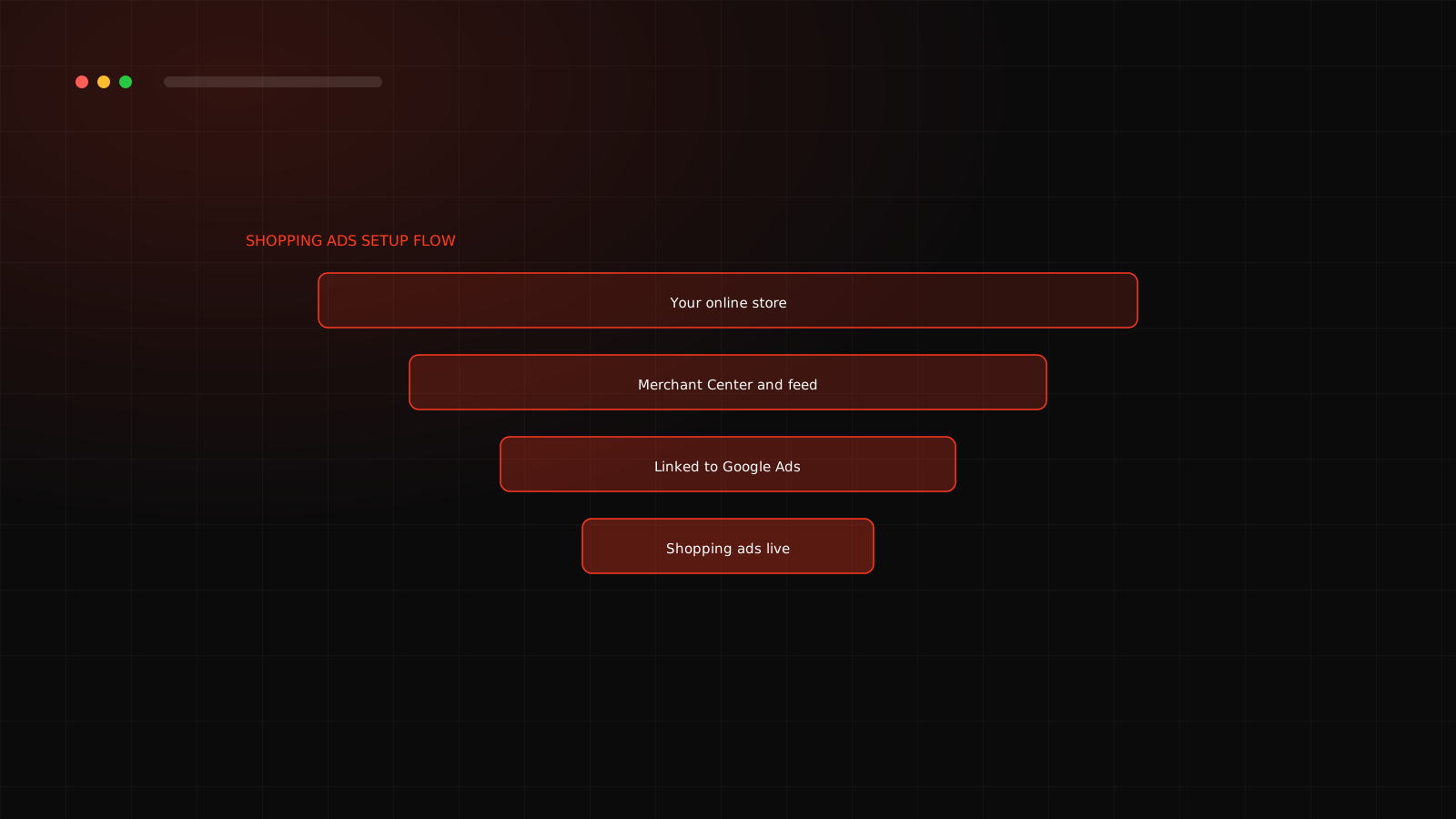
Setup, step by step
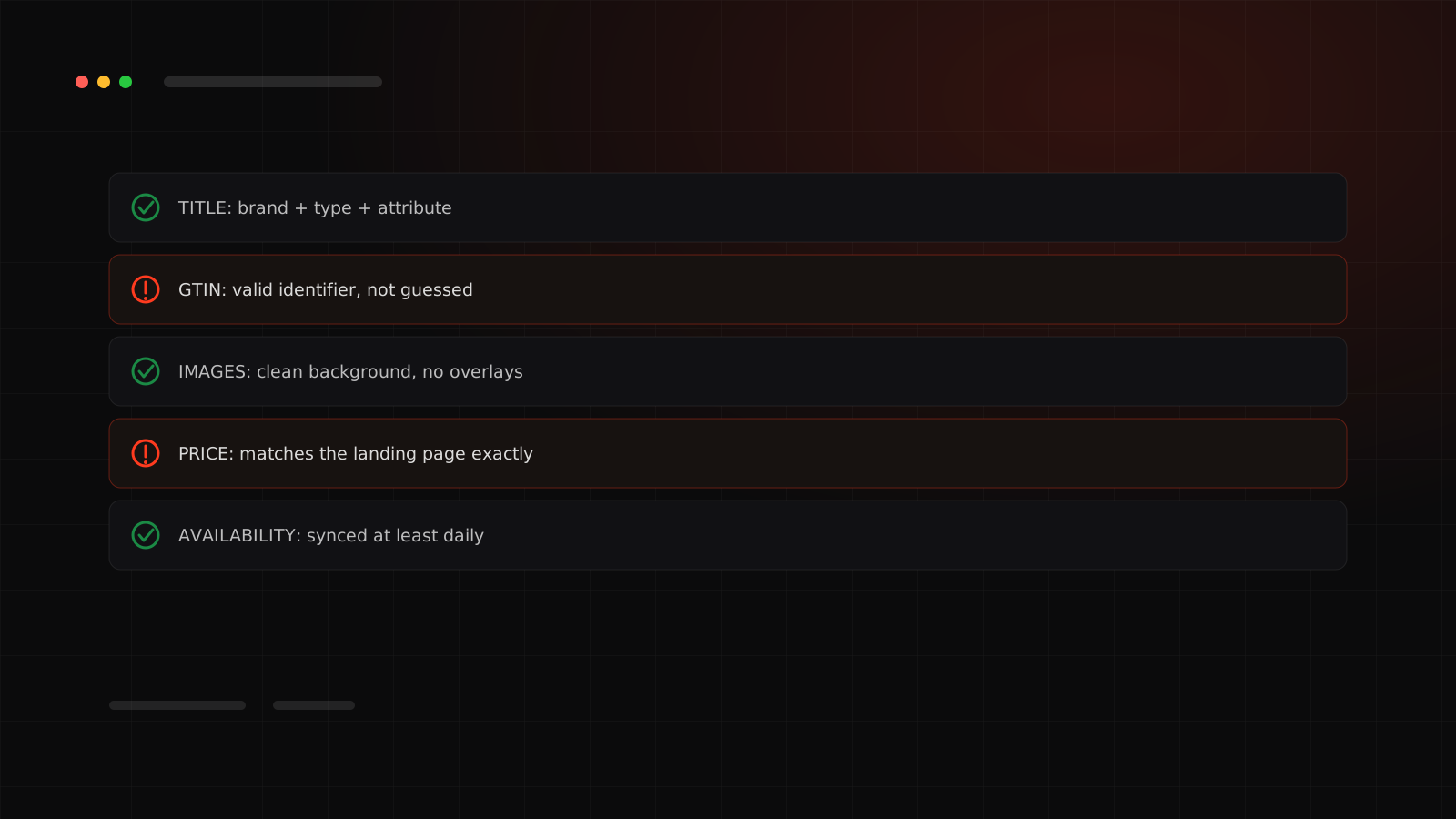
The feed fields that matter most
| Field | Why it matters |
|---|---|
| Title | The main text Google matches to searches, so include the product type and key attributes |
| Price and availability | Must match your website exactly or the product can be disapproved |
| Image | A clear, uncluttered product photo on a clean background |
| Brand and identifiers | Product identifiers such as GTIN help Google understand the product |
| Description and category | Helps matching and categorization |
Feed quality is everything
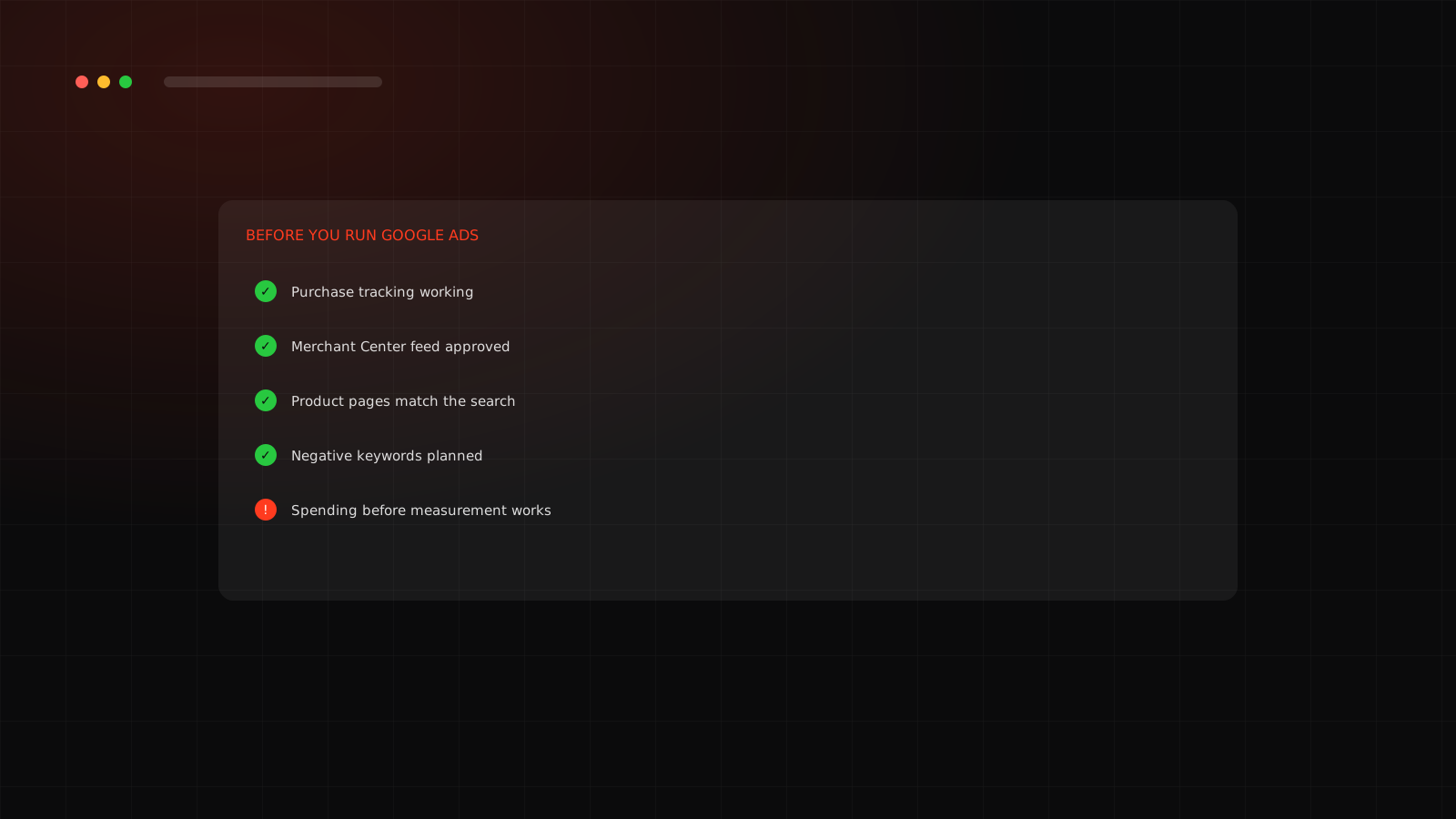
Shopping and Performance Max decide what to show from your feed, not from the words on your website. A weak title or wrong category loses searches before bidding even starts. We run the checks in our Merchant Center feed checklist on every account.
Which campaign to use
You can run standard Shopping or Performance Max. Many brands start with one of them for their best products and add the other as data grows. See PMax vs Shopping vs Search.
Common problems
- Price on the page does not match the feed.
- Missing GTIN or brand for products that need it.
- Images with text overlays or watermarks.
- Out-of-stock products still advertised.
Back to basics: Google Ads for ecommerce, a beginner guide. Want a team to run this for you? See our Google Ads agency service in Surat.
A feed title example
Titles should say what the product is and the attributes buyers search for. Compare a weak title with a stronger one for an imaginary saree.
| Weak title | Stronger title |
|---|---|
| Designer Saree 2026 | Georgette Printed Saree for Women, Lightweight Party Wear, Pink and Gold, with Blouse Piece |
The stronger title includes fabric, style, use, colour and what is included, which matches real searches. Write titles for how buyers search, then check them in the search terms report.
Products disapproved or feed unclear?
We audit your Merchant Center feed in the free audit.
Frequently asked questions
A Google tool where you upload your product data so it can appear in Shopping ads and free listings.
Yes. Shopping ads are generated from your product feed, not from your website text, so the feed must be accurate.
Common causes are missing identifiers, price or availability that do not match the page, missing shipping information and policy problems. Merchant Center shows the specific reason.
Yes. Merchant Center products can also appear in free listings, in addition to paid Shopping ads.