PMax vs Shopping vs Search: Where Should a D2C Brand Put Its Google Ads Budget?
There is no universal split. Here's what actually decides it, and the mistake that costs the most.
Anyone offering a universal percentage split between PMax, Shopping and Search is guessing. The right split depends on your catalogue, how much brand demand already exists, and how much data your account has to work with, not a rule of thumb that applies to every store equally. This is the framework we actually use to decide it.
What each campaign type is actually built to do
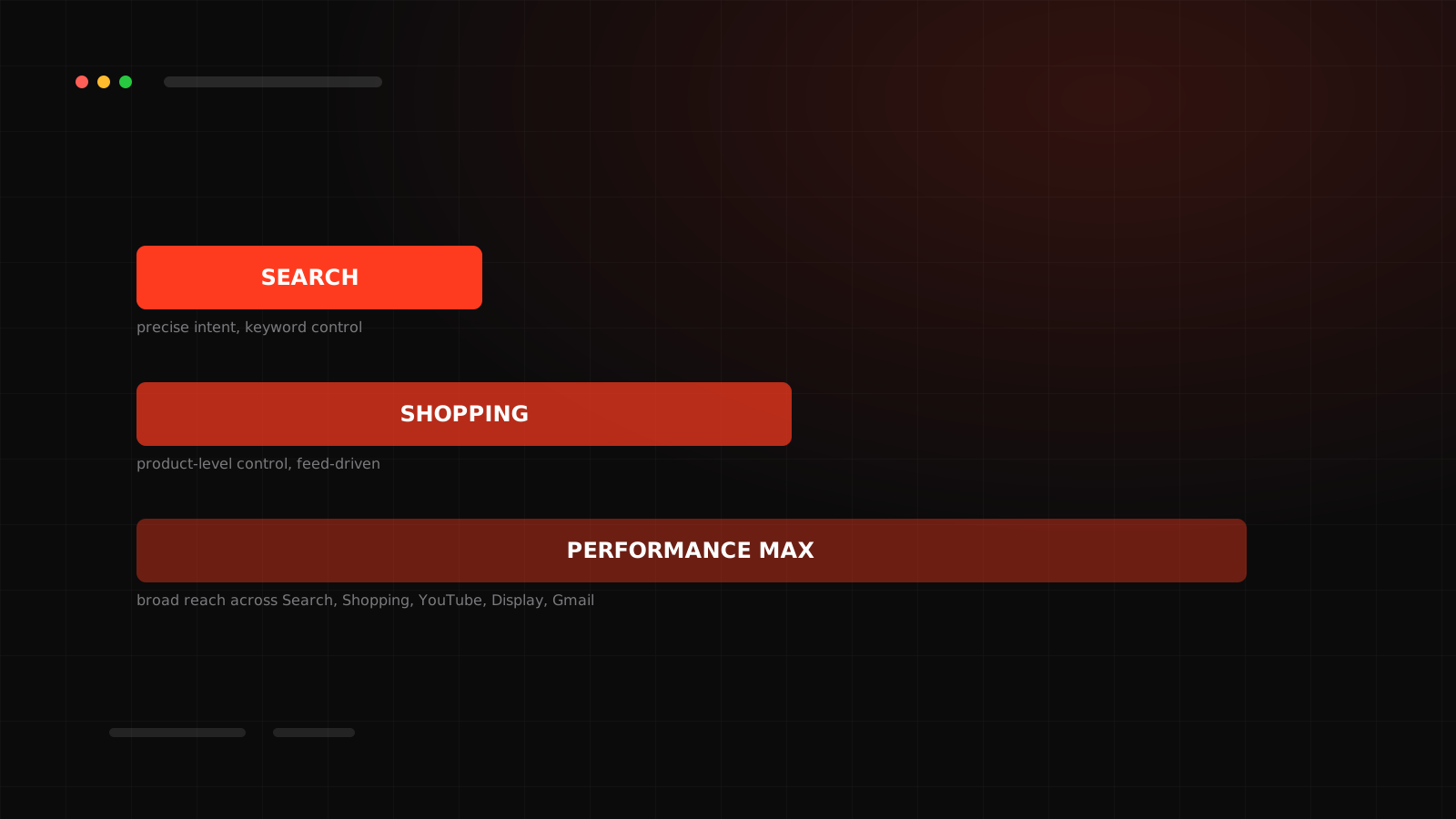
Search is the intent engine. It shows text ads against specific typed queries, and it's the only one of the three that gives you real keyword and negative-keyword control. It's built for precision, not reach.
Shopping runs off your product feed and gives you granular, product-level control and reporting. You can see exactly which SKUs are winning and which are burning spend, something the other two make harder.
Performance Max is Google's automated layer across Search, Shopping, Display, YouTube, Gmail and Discover, run from a single campaign fed largely by your product feed and creative assets. It trades manual control for reach and automation, and it needs enough conversion data to actually learn from.
Where PMax quietly eats what Search already owned
The most common mistake we see isn't picking the wrong campaign type, it's letting Performance Max compete against your own brand Search campaign without exclusions. PMax will happily win an auction for your own brand name, a click you'd have gotten for a fraction of the cost, or for free, through Search. The contribution ROAS on that click looks great in PMax's own reporting. It's just money you didn't need to spend.
When PMax earns its budget
PMax works best once an account has enough conversion volume for the algorithm to have real signal to learn from, a healthy, accurate product feed, and creative assets (images, video, headlines) worth feeding it. It's a reach and automation layer, not a starting point for an account with no purchase history yet.
When Shopping still deserves its own line
Standard Shopping earns its keep when you need to see and control performance at the individual product level, when you're testing a new product line and want isolated data rather than a number blended into a broader PMax campaign, or when a category is competitive enough that manual bid control matters more than automation.
When Search deserves dedicated budget
Search deserves its own line whenever there's meaningful branded or high-intent non-branded search volume you'd rather control directly than hand to an automated system, and always for brand terms, for the reason above. It's also where negative-keyword discipline lives, the tool that keeps an account from paying for traffic that was never going to convert.
What actually decides the split
Not a formula, a set of honest questions:
Common mistakes
Letting PMax run with brand terms unprotected. Judging a new PMax campaign in its first two weeks, before it has enough data to have learned anything. Switching an entire account structure at once instead of testing the split. And the quieter one: treating a Google Ads budget question as separate from tracking quality, when a shaky pixel or a reconciliation gap makes every one of these campaign types harder to evaluate honestly.
How to actually evaluate performance
Compare like for like. Isolate brand from non-brand before judging PMax against Search. Use channel-level reporting inside PMax (now available in the platform) to see how much of its result actually came from Search, Shopping or Display rather than treating it as one black-box number. And give any structural change enough runway, usually several weeks, before deciding whether it worked.
Want the split scoped to your actual account?
We audit the feed, the brand/non-brand mix and the tracking before touching a single bid.
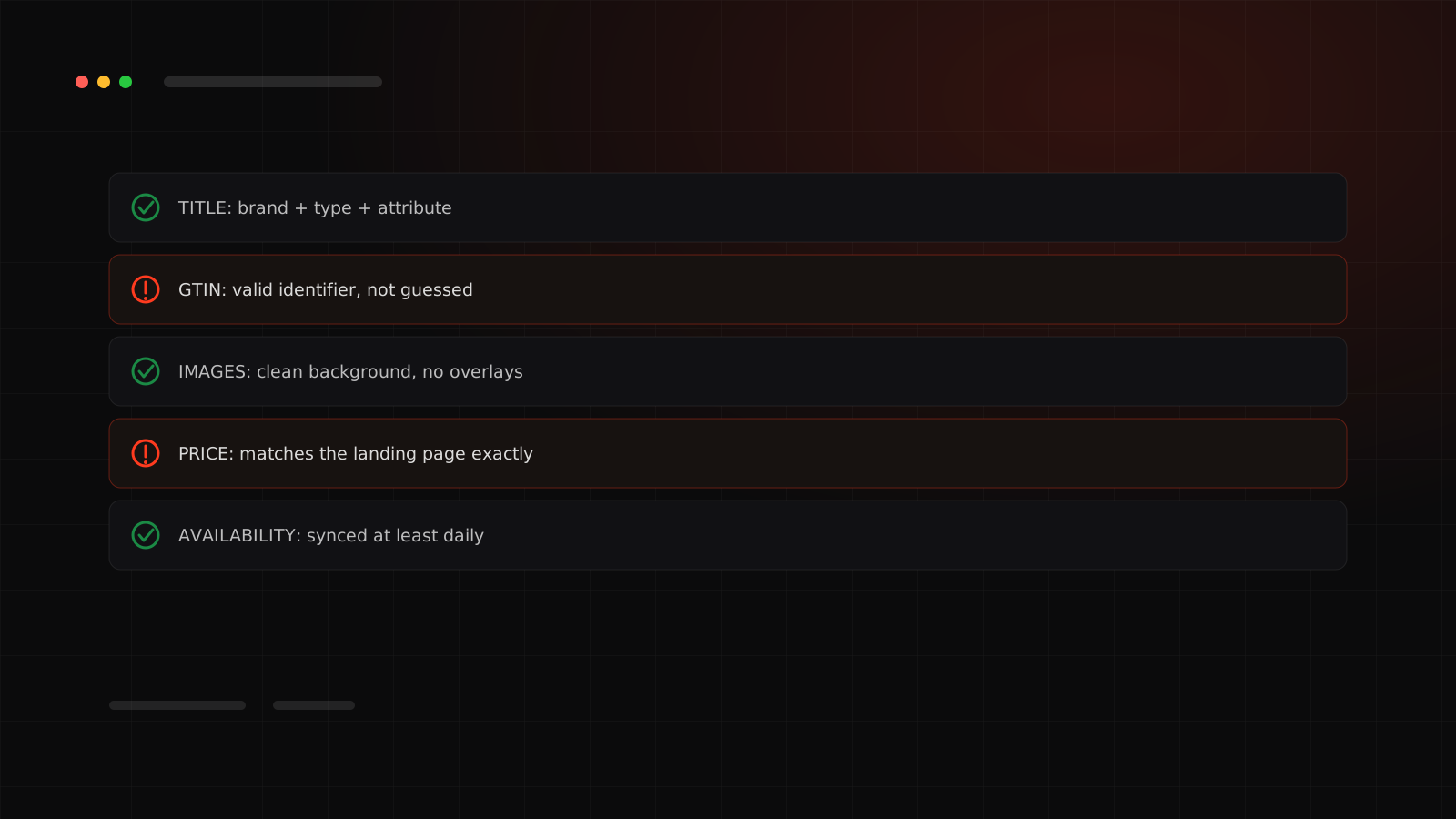
None of this works without a feed Google can actually trust. We cover exactly what that means in the Merchant Center feed checklist.