Meta Ads for Shopify Stores: A Practical Guide for D2C Brands
How to run Meta Ads for a Shopify store: connect your catalog and Pixel, prepare product pages and avoid the mistakes that waste budget.
Why Shopify plus Meta is a common pair
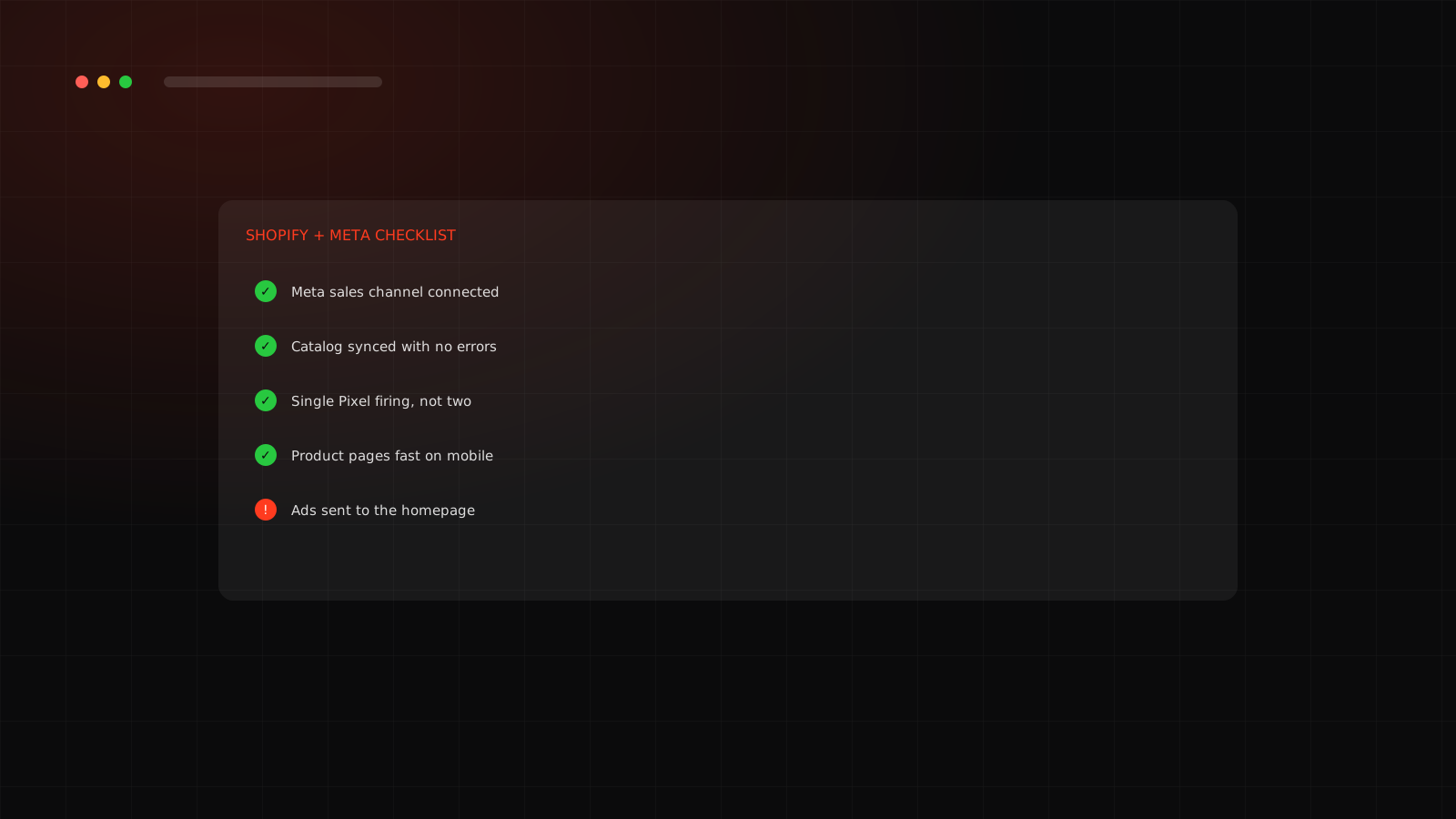
Shopify handles the store, payments and orders. Meta handles the ads. When they are connected well, product details, prices and purchase events flow between them automatically, which saves a lot of work and improves tracking.
Connect Shopify and Meta
Keep your catalog healthy
Your product catalog feeds catalog and automated ads. Missing images, wrong prices or stock mismatches cause disapprovals and bad ads. Check it weekly, especially after you add products or change prices.
Make the product page do the selling
- Fast load on a mobile connection.
- A clear price, delivery time and returns policy above the fold.
- Real photos and a short video, plus reviews.
- A simple, one-page checkout with the payment options Indian buyers expect.
Our D2C landing page checklist goes through each of these.
Common Shopify and Meta mistakes
| Mistake | What it causes |
|---|---|
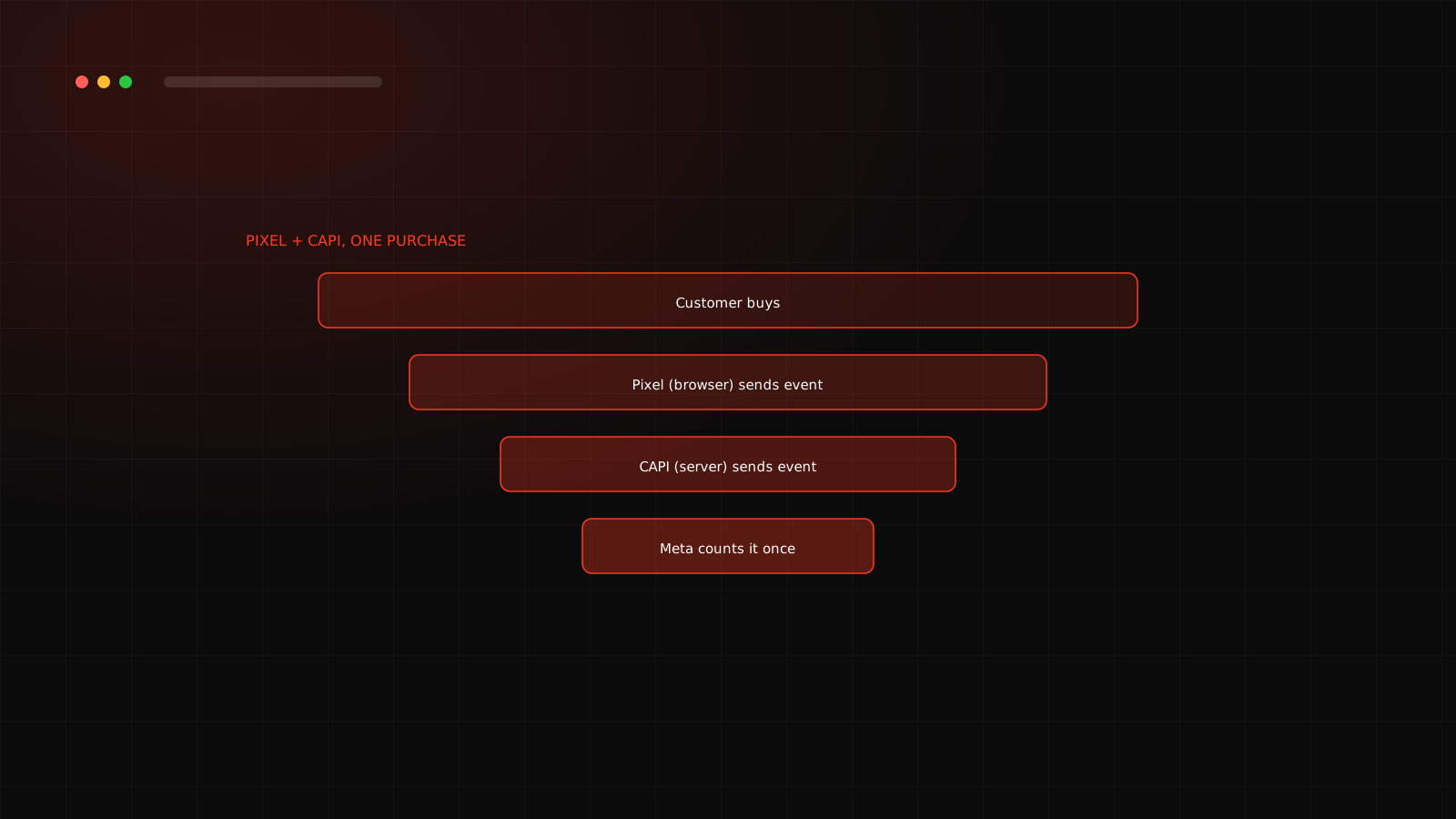
| Pixel installed in the theme and by the app | Duplicate purchases and wrong ROAS |
| Ads sent to the homepage | Lost buyers who must search for the product |
| Ignoring catalog errors | Disapproved products and wasted spend |
| Using only Shopify's discount code for tracking | Confusing attribution across channels |
Measure what matters
Look at delivered revenue, not just orders, especially with cash on delivery. See how COD returns change your numbers.
Ready to build campaigns? Read the best campaign structure for D2C. Want a team to run this for you? See our Meta Ads agency service in Surat.
Cross-check Meta against Shopify and analytics
Meta reports its own version of your sales. To keep it honest, compare it with your store. Add UTM parameters to your ad links so your analytics can see which ads sent each visit, and compare Meta's purchases with Shopify orders for the same dates.
- Small gaps are normal because the systems count differently.
- Large gaps suggest duplicate Pixels, missing events or attribution settings that need review.
- Check delivered orders, not just placed ones, when you use cash on delivery.
This simple weekly comparison catches most tracking problems before they cost real money.
Want a Shopify and Meta setup that tracks correctly?
We audit your connection, catalog and Pixel for free.
Frequently asked questions
Install Meta's sales channel app, often named Facebook and Instagram, from the Shopify App Store and connect your Page, ad account, Pixel and catalog.
Common reasons are missing images or prices, policy issues with the product or a landing page that does not match the ad. Check Commerce Manager for the stated reason.
Usually the product page or a focused collection. The ad promised something specific, and the page should deliver it immediately.
Compare orders in Shopify with purchases in Events Manager over the same period and use Test Events. Small gaps are normal, big gaps point to a tracking problem.