Meta Ad Account Restricted or Disabled? What to Do Next
If Meta restricts or disables your ad account, stay calm. Learn the common causes, how to check the reason and how to appeal properly.
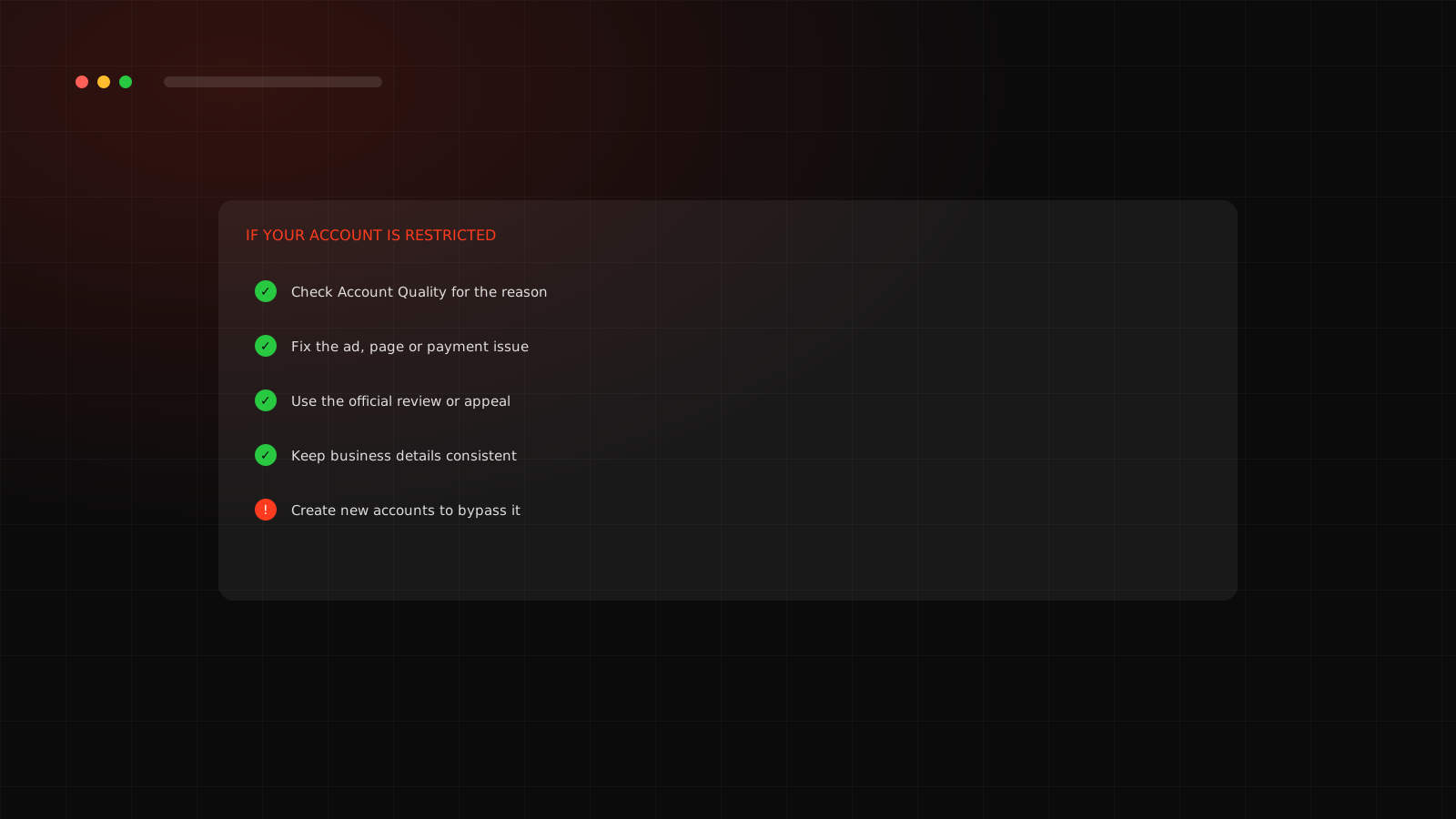
Quick answerIf your Meta ad account is restricted, open Account Quality in Meta Business Support Home to see the stated reason, fix the specific ad, page or payment issue, then request a review through the official appeal option. Do not create new accounts to get around a restriction, because that can make things worse.
Do not panic or rush
A restriction feels like an emergency because your sales may depend on the ads. Acting calmly and following the official steps usually works better than rushing.
Common causes
| Cause | Examples |
|---|---|
| Policy violations | Health claims, personal-attribute language, misleading before and after images, banned products |
| Landing page issues | Page does not match the ad, missing policies, broken links |
| Payment problems | Failed payments, unusual billing, unsettled balance |
| Unusual activity | Sudden logins from new places, big budget jumps on a new account |
| Identity or business issues | Unverified business, mismatched details |
What to do, step by step
01
Find the reason. Open Account Quality in Meta Business Support Home and read the exact message.
02
Check the details. Which ad, page or payment method is named?
03
Fix the root cause. Edit or remove the ad, correct the landing page or resolve payment.
04
Request a review. Use the official appeal option and explain briefly what changed.
05
Wait and follow up. Reviews can take time. Avoid sending many repeat requests.
What to avoid
- Creating new ad accounts, pages or Business Managers to get around a restriction.
- Using personal accounts that are not the business owner's.
- Editing and resubmitting the same policy-breaking ad again and again.
How to prevent it
01
Read the ad policies for your category. If you sell supplements, skincare or Ayurvedic products, see our guides on supplement ads and beauty ads.
02
Verify your business in Business Manager.
03
Keep landing pages accurate with clear policies and contact details.
04
Use a stable payment method and limit admin access.
05
Increase budgets gradually, especially on newer accounts.
Get professional help earlyIf the account is critical to your revenue and the appeal fails, a specialist who knows Meta's processes can help you present the case correctly. Never use anyone who offers to sell or lend you accounts.
Start clean with how to set up Meta Ads properly. Want a team to run this for you? See our Meta Ads agency service in Surat.
What to prepare for an appeal
01
A short, calm description of what you changed and why it now follows policy.
02
Screenshots of the corrected ad and landing page.
03
Your business registration or website details, if verification is requested.
04
A clear record of dates so you can follow up in the right place.
Keep the appeal factual. Long emotional messages do not help, and repeating the same request many times can slow things down.
Account restricted and need a calm, correct plan?
We review the restriction and the policy risks across your ads.
Frequently asked questions
Why do Meta ad accounts get restricted?
Common reasons are policy violations in ads or landing pages, payment problems, unusual account activity and unverified business details.
Common reasons are policy violations in ads or landing pages, payment problems, unusual account activity and unverified business details.
How do I appeal a restriction?
Use the review or appeal option shown in Account Quality or in the restriction notice, and explain clearly what you fixed.
Use the review or appeal option shown in Account Quality or in the restriction notice, and explain clearly what you fixed.
Can I make a new ad account to continue?
Avoid creating accounts to bypass a restriction. It can violate platform rules and cause further problems. Resolve the original issue through the official process.
Avoid creating accounts to bypass a restriction. It can violate platform rules and cause further problems. Resolve the original issue through the official process.
How can I prevent restrictions?
Follow ad policies, keep landing pages accurate, use a stable payment method, verify your business and limit who has admin access.
Follow ad policies, keep landing pages accurate, use a stable payment method, verify your business and limit who has admin access.