Google Business Profile Checklist for Indian Businesses
A simple Google Business Profile checklist for Indian businesses: what to fill in, what to avoid and how to keep your profile consistent and trusted.
Why this profile matters
When someone searches for a business or a service near them, Google often shows a Business Profile before regular website results. A complete, accurate profile builds trust, drives calls and messages, and supports your wider local SEO. See our guide to local SEO for multi-city expansion.
The basics to fill in
Add the details that build trust
- Services: list what you do in plain words.
- Description: write a clear summary of what you do and for whom, within the length limit. Avoid links, phone numbers and promotional claims.
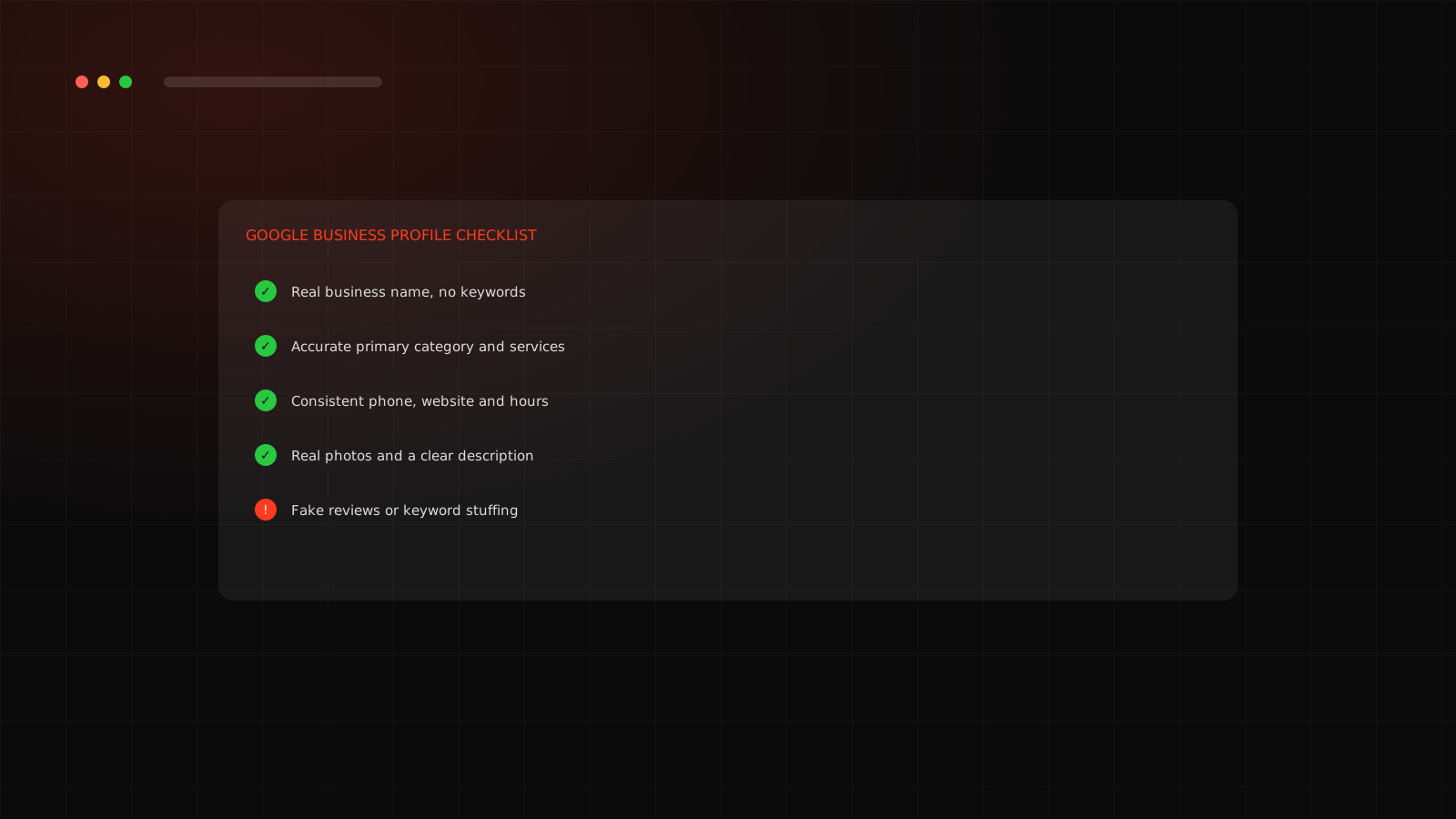
- Photos: add real photos of your team, work and place. Avoid stock images.
- Chat link: add WhatsApp so people can message you. The link looks like https://wa.me/ followed by your number.
- Posts and updates: share offers, news or work from time to time.
Verification
Google asks you to verify that the business is real. The method can be a postcard, phone, email or video depending on your case. Do this yourself with your own account. Never share verification codes with anyone.
Keep your details consistent everywhere
Your name, address and phone number should match across your website, social profiles and any directories. Inconsistencies can confuse both customers and search engines.
Reviews
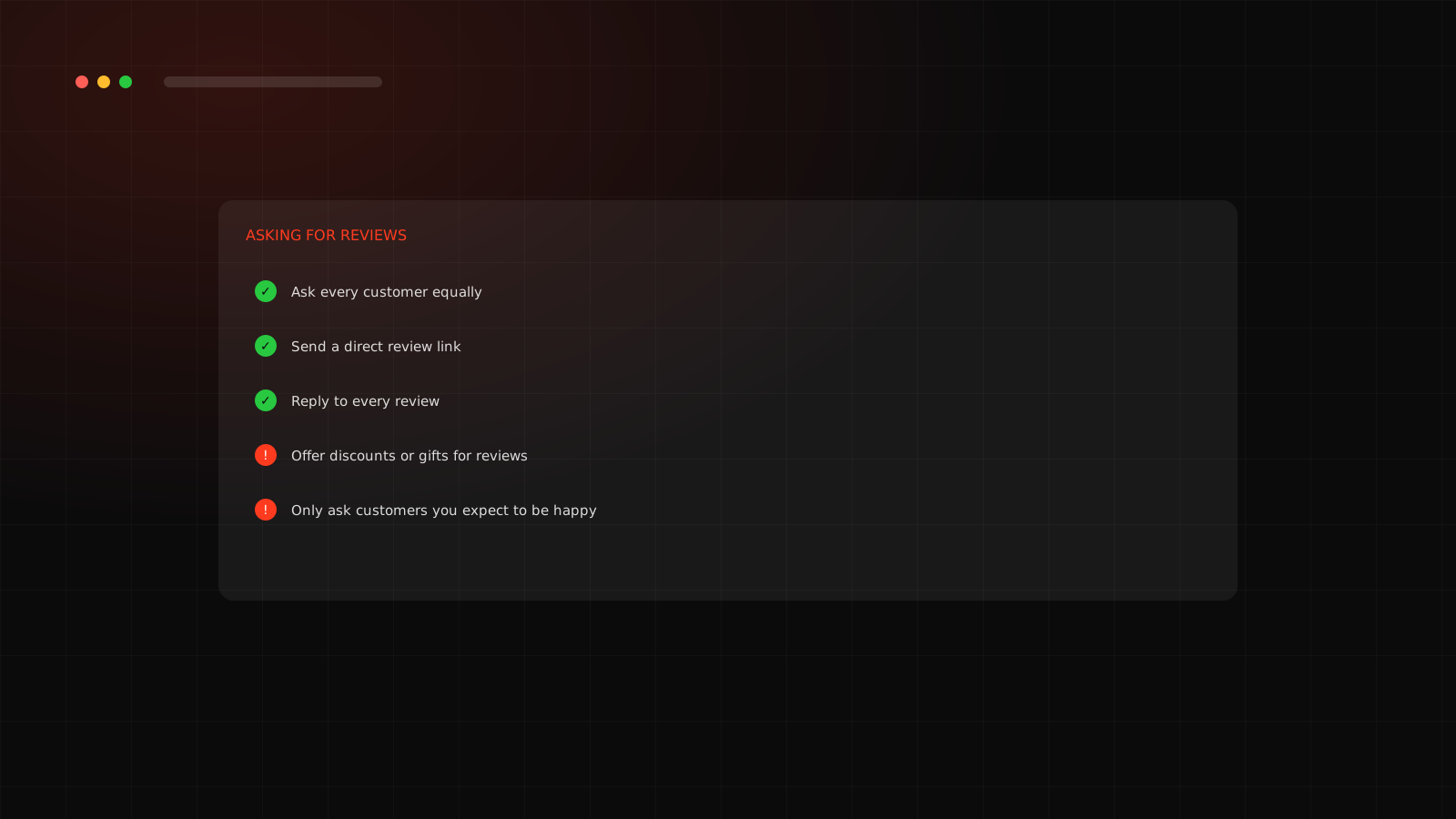
Reviews build trust and affect how you appear. Ask real customers for honest reviews and reply to every review politely. See how to get Google reviews ethically.
What to avoid
- Keyword stuffing in the business name.
- Fake or paid reviews.
- Listing a virtual office or address you do not use.
- Duplicate profiles for the same business.
- Leaving the profile unattended.
Want a team to handle this for you? See our SEO agency in Surat.
Want help planning your local presence?
We map your profile, site and content so they support each other.
Frequently asked questions
A free listing that lets your business appear in Google Search and Maps, with details such as category, contact information, hours, photos and reviews.
Google's rules generally expect a real-world presence or a service area. Check Google's current eligibility rules for your situation.
No. Google's guidelines say your name should reflect your real-world business name. Adding keywords can get a profile suspended.
In the profile's contact settings, add a chat link in the form https://wa.me/ followed by your number with country code and no spaces or plus sign.