Google Ads Conversion Tracking for Shopify: A Simple GA4 Guide
Set up Google Ads conversion tracking for a Shopify store so Google knows which clicks became orders, and avoid the double-counting mistake.
Why tracking comes first
Google Ads bids and reports based on the conversions it sees. If purchases are missing, double-counted or valued wrongly, every optimization built on them is wrong. That is why we check tracking before touching a single bid. See Google Ads for ecommerce, a beginner guide.
How the data gets to Google
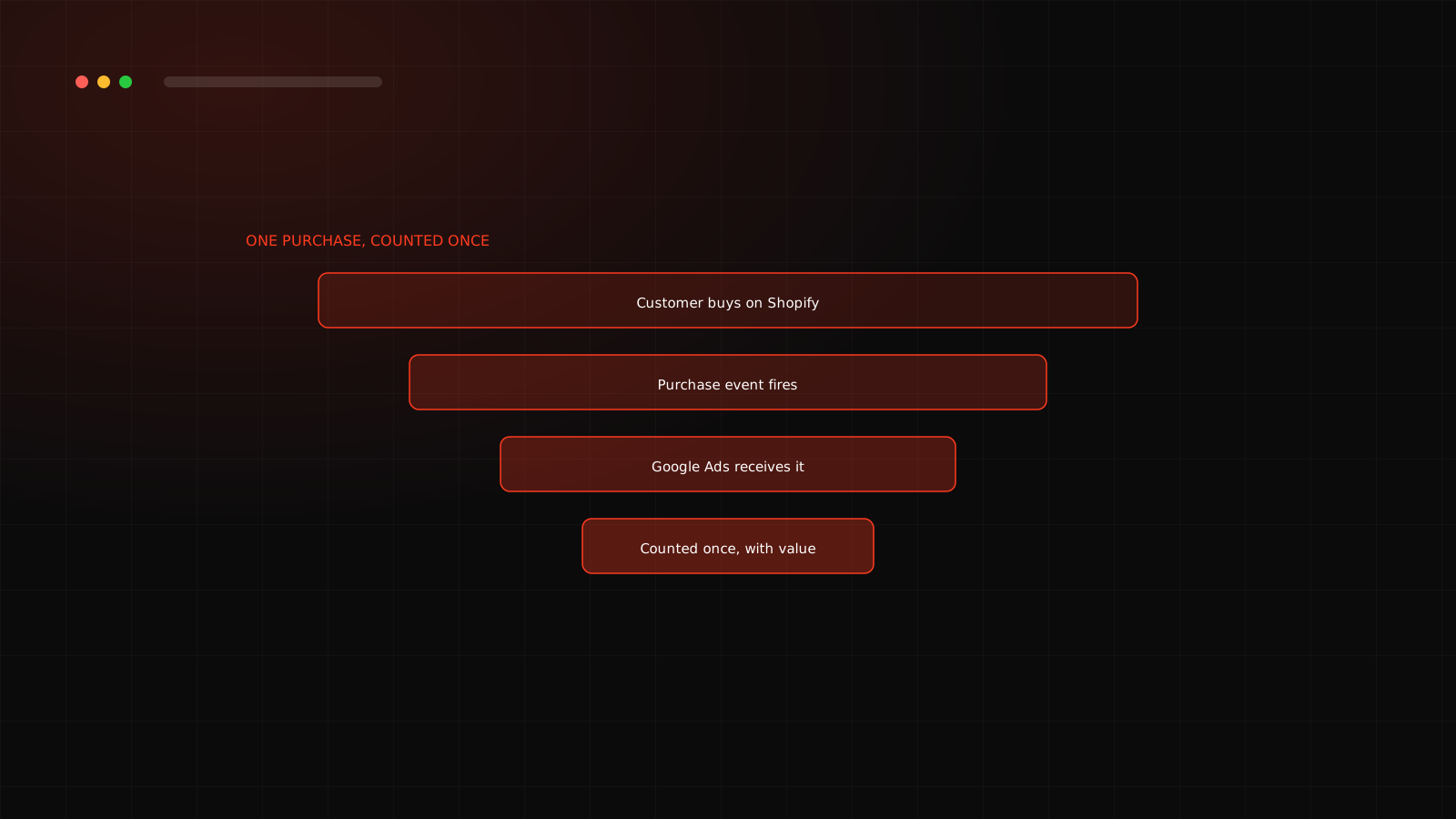
When someone completes an order, your store fires a purchase event with the order value and currency. Google can receive it through Google Analytics 4 (GA4), through the Google tag, or through the channel app Shopify connects with Google. The goal is the same: one purchase, counted once, with the right value.
Setup, step by step
The double-counting trap
The most common problem we see is two tracking setups both reporting the same purchase to Google Ads, which makes reported ROAS look much better than reality. Compare Google Ads conversions with your Shopify orders for the same period. If Google shows far more purchases than Shopify, something is counting twice.
Track value, not just orders
Smart bidding strategies that target return on ad spend need accurate values. Make sure the conversion value matches what you actually earn, and think about whether it should exclude shipping or taxes. For cash on delivery stores, remember that placed orders are not delivered orders. See how COD returns change your numbers.
Check it every week
- Compare Google Ads conversions with Shopify orders.
- Watch for sudden drops, which often mean a theme or app change broke tracking.
- Re-test after any checkout or theme change.
Tracking Meta too? Read Meta Pixel and Conversions API setup for Shopify. Want a team to handle this for you? See our Google Ads agency service in Surat.
Not sure your Google Ads numbers are real?
We check your tracking against your Shopify orders in the free audit.
Frequently asked questions
Google's bidding and reporting learn from the conversions you tell it about. Without correct purchase tracking, it cannot optimize toward real sales.
Either can work, but make sure the same purchase is not counted twice. Choose one primary purchase conversion and keep the other as secondary or off.
A Google feature that uses hashed first-party data, such as email, from your checkout to improve how conversions are matched, helping measurement where cookies are limited.
Test a purchase with Tag Assistant and compare Google Ads conversions with Shopify orders over the same dates. Small gaps are normal, large gaps need investigation.