We Audited Our Own Site for Duplicate Content. Here's What We Found
A real canonicalization audit, the URLs it caught, and the fix that took under an hour.

We tell clients to audit for duplicate content regularly. Recently we ran that exact audit on our own site, nivaro.solutions, and it turned into a good demonstration of how noisy a first-pass automated audit actually is, and how much of that noise disappears once you check the pages by hand.
Why we ran this on ourselves
The site had accumulated two parallel URL structures over time: an older singular path pattern (/service/seo, /case-study/pet-care-brand) and a newer plural one (/services/seo, /case-studies/pet-care-brand) that the navigation and sitemap actually point to. That is a textbook setup for duplicate content, and it was worth checking properly rather than assuming.
What we actually found
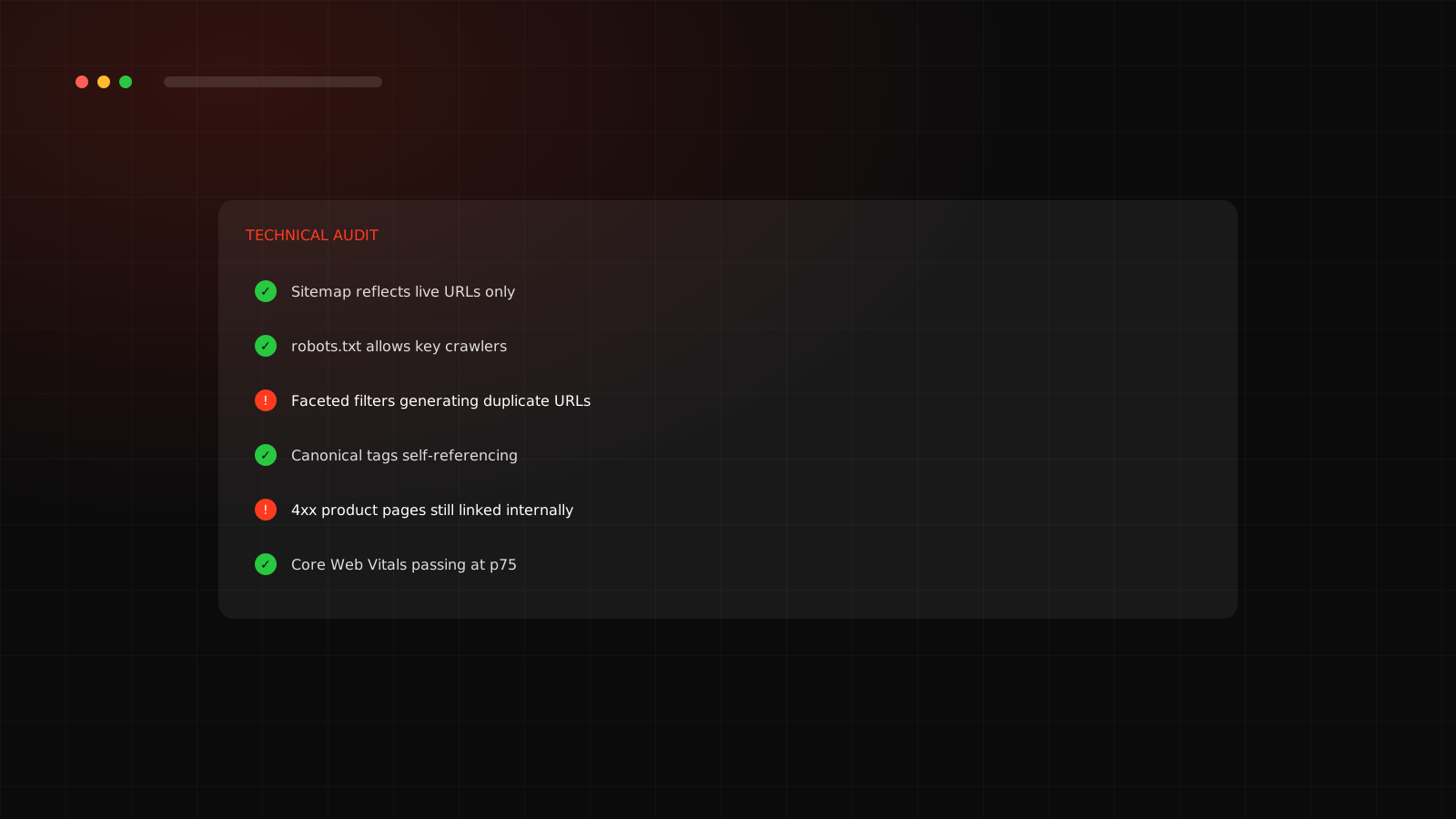
A raw scan flagged a genuinely alarming-looking list: 23 pages with no canonical tag, 21 pages with no meta description, 16 groups of duplicate title tags. Enough to justify a full afternoon of panic. Checking each one individually told a very different story.
| What the scan flagged | What was actually true |
|---|---|
| 23 pages missing canonical | Almost all were legacy redirect stubs already correctly marked noindex, nofollow, with an instant client-side redirect to the real page |
| 21 pages missing description | Same set: pages that never get indexed do not need one |
| 16 duplicate title groups | Mostly stub pages sharing the literal title "Redirecting," which is fine since none of them are indexable |
The old singular case-study and service URLs were, almost without exception, either already handled with a real 301 redirect at the server level, or a static page with a correct noindex tag and an instant client-side redirect. The duplicate content risk that the raw scan implied had, in practice, already been closed off months earlier.
The one real gap, after checking every flag
One file had genuinely nothing protecting it: the bare singular services index page had no noindex tag and no canonical at all, unlike its sibling case-study index which did. That is a real duplicate-content exposure, just a much smaller one than the initial scan made it look like. The fix was two lines: add noindex, nofollow and a canonical pointing to the real /services URL. Under an hour including verification.
The lesson underneath the fix
Canonical tag best practice is well documented: self-referencing canonicals on every indexable page, absolute URLs, never pointing a canonical at something that itself redirects or 404s, and never canonicalizing every paginated page back to page one, since that specific mistake can convince Google the later pages are all duplicates and stop crawling them. What is less documented is that most sites that have been live for a couple of years accumulate exactly this kind of half-fixed legacy structure, some of it already handled correctly, some of it not, and the only way to know which is which is to actually open the pages, not just trust a scanner's summary.
Want your own duplicate-content audit done properly?
We check every flag by hand before recommending a single change.
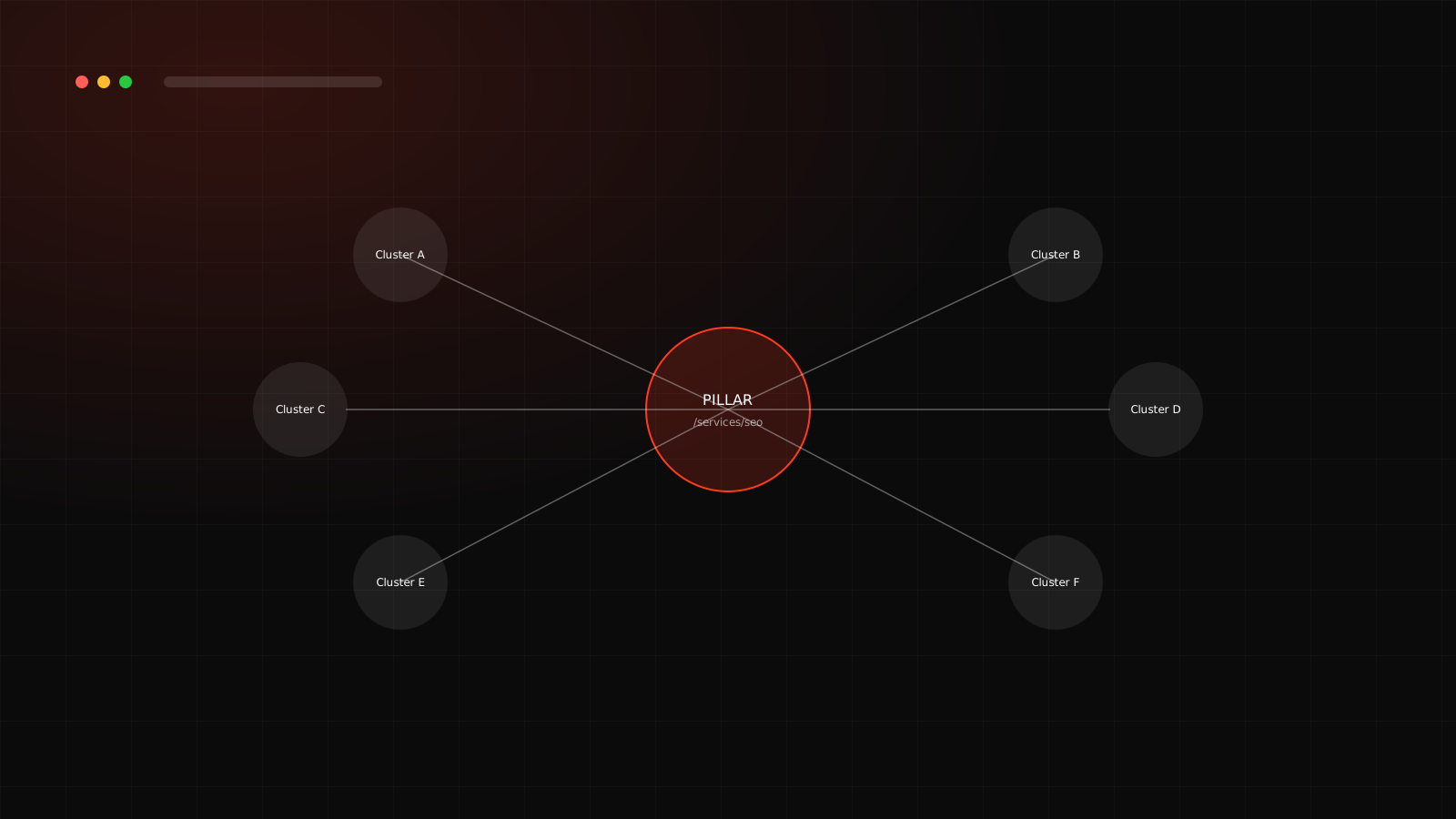
Canonical hygiene is one piece of a larger technical picture. See the full technical SEO audit checklist for the rest of it, and the topic cluster playbook for what to do once the canonical URLs are settled.
Frequently asked questions
An HTML tag that tells search engines which version of a page is the preferred one to index, used to consolidate ranking signal when a site has near-duplicate or duplicate content living at more than one URL.
Pointing a canonical at a URL that itself redirects or 404s, which confuses search engines about which version is actually authoritative. A close second is canonicalizing every paginated page back to page one, which can cause Google to stop crawling later pages entirely.
Not reliably on their own. A raw scan will flag any page missing a canonical or description without checking whether that page is already correctly excluded from indexing. Verifying each flag against the actual page, not just the tool's output, is what separates a useful audit from a noisy one.