Why Google Isn't Indexing Your New Product Pages
Crawl budget explained for catalogs with filters, variants, and more URLs than products.
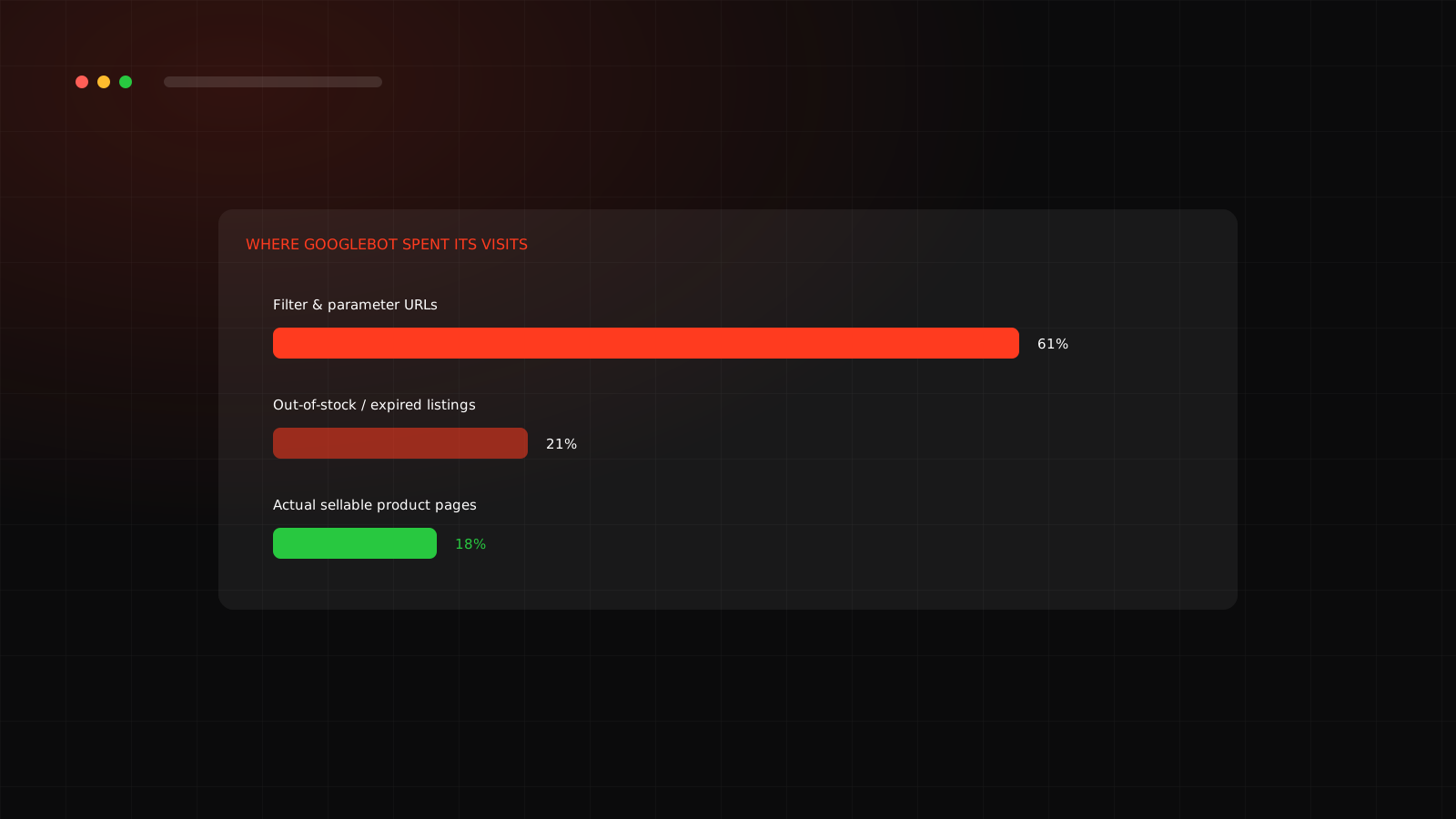
A new product goes live, the description is solid, the images are good, and three weeks later it still is not showing up in Google. The instinct is to blame the content. Often the real cause is upstream: Googlebot never got around to crawling the page, because it spent its visit budget somewhere else entirely.
What crawl budget actually is
Google's Search Central documentation defines crawl budget as a balance of two distinct factors: crawl rate limit, which is about server health and how fast Googlebot can hit a site without causing problems, and crawl demand, which is about how much Google actually wants to crawl a given URL based on its perceived value, popularity and how often it changes. For most small sites this is a non-issue. It becomes real the moment a site has thousands of URLs, frequent updates, dynamic parameters, or a history of technical problems, which describes a huge share of D2C catalogs by the time they have been live a year or two.
Why ecommerce catalogs struggle most
Every color option, every size, every internal search query and every sort order can generate its own crawlable URL. A single product listed in five colors and four sizes can spawn twenty separate URLs like /product/12345-red-large, each one technically crawlable, most offering nothing distinct to index, and some of them pointing at combinations that are permanently out of stock. Multiply that across a real catalog and the count of low-value URLs can dwarf the count of pages actually worth ranking.
Those specific proportions will vary by site, but the shape of the problem repeats constantly: the pages a brand actually needs indexed are competing for crawl attention against a much larger set of URLs nobody asked for.
Fixing it without losing the filters
The filters themselves are not the problem. Customers use faceted navigation constantly and removing it would hurt conversion. The fix is telling search engines which of those URLs deserve a crawl and which do not, which is exactly what Google's own crawl efficiency guidance recommends:
What changes once it is fixed
The typical pattern after a real cleanup is not instant, but it is fast by SEO standards: improved crawl efficiency tends to show up as better indexation and organic visibility within a matter of weeks, because Googlebot is no longer spending most of its attention on URLs that were never going to rank anyway.
Not sure where your crawl budget is actually going?
We pull real log and index data before recommending anything.
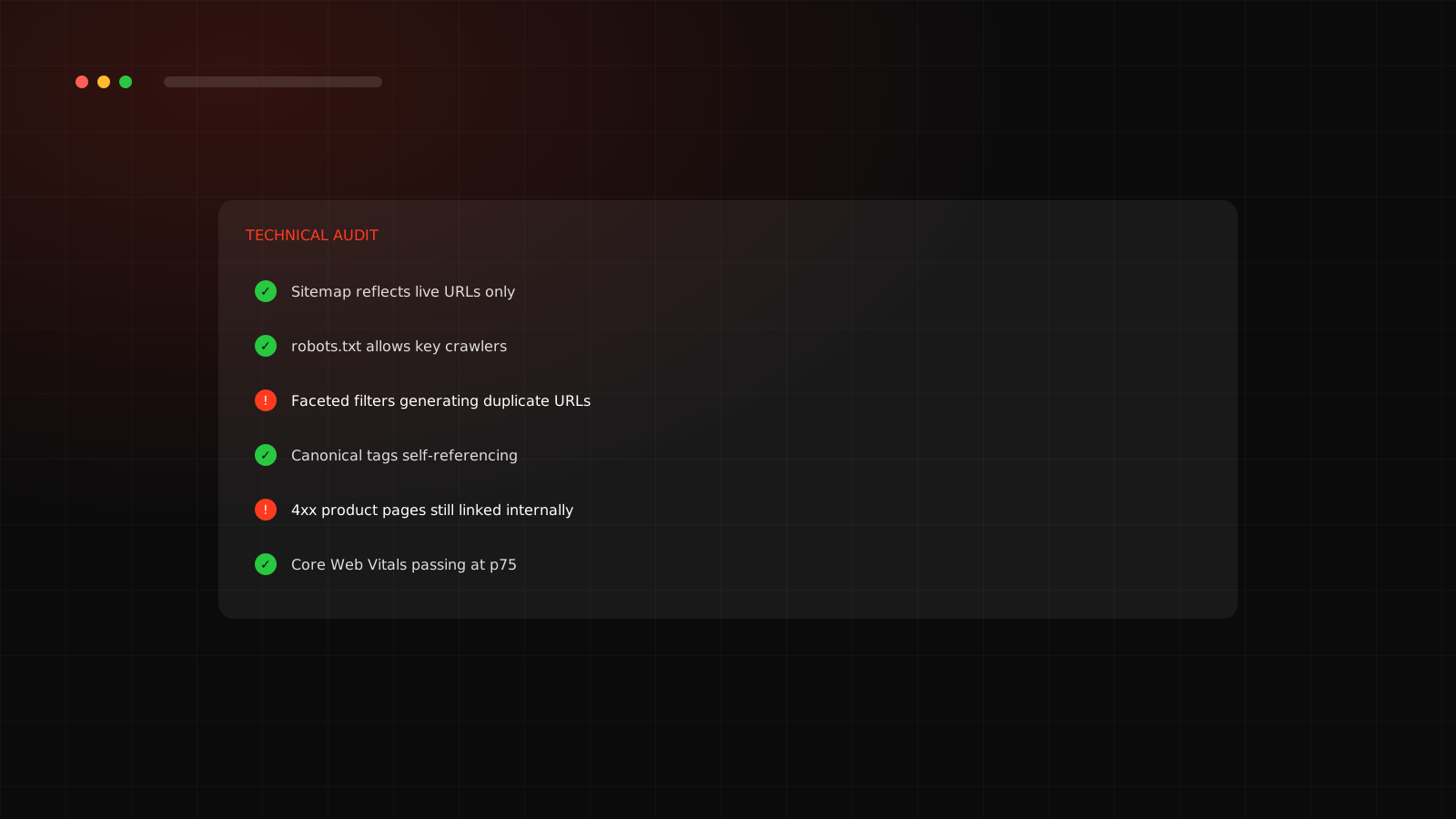
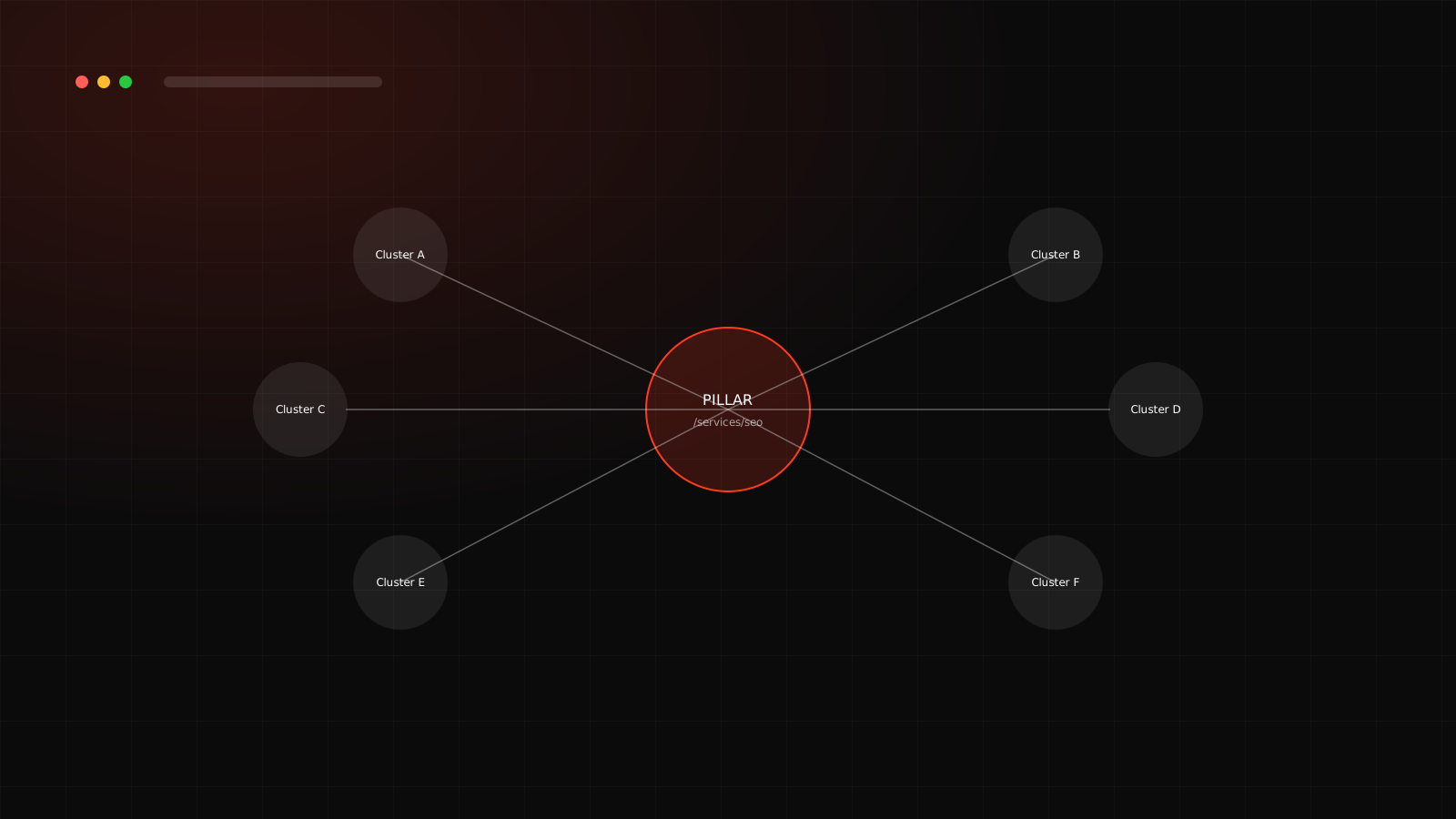
Crawl budget is one item on a longer list worth checking; see the full technical SEO audit checklist. And once new pages are reliably indexed, the next lever is making sure your own site tells search engines how those pages relate to each other, covered in the topic cluster playbook.
Frequently asked questions
Google Search Central defines it as a balance of crawl rate limit (how much a server can handle) and crawl demand (how much Google wants to crawl a URL based on its perceived value and freshness). It becomes a practical constraint once a site has thousands of URLs.
Less so. It becomes meaningful once a site has dynamic URL parameters, faceted navigation, a large catalog, frequent updates, or a history of technical SEO issues. A ten-product store with clean URLs rarely needs to think about it.
No, the opposite. Blocking or noindexing low-value parameter combinations frees up crawl budget for pages that can actually rank and sell, and Google's own guidance recommends exactly this: manage URL inventory and tell Google what not to crawl.